How to Upgrade an NFTAMA Safe with AMA2
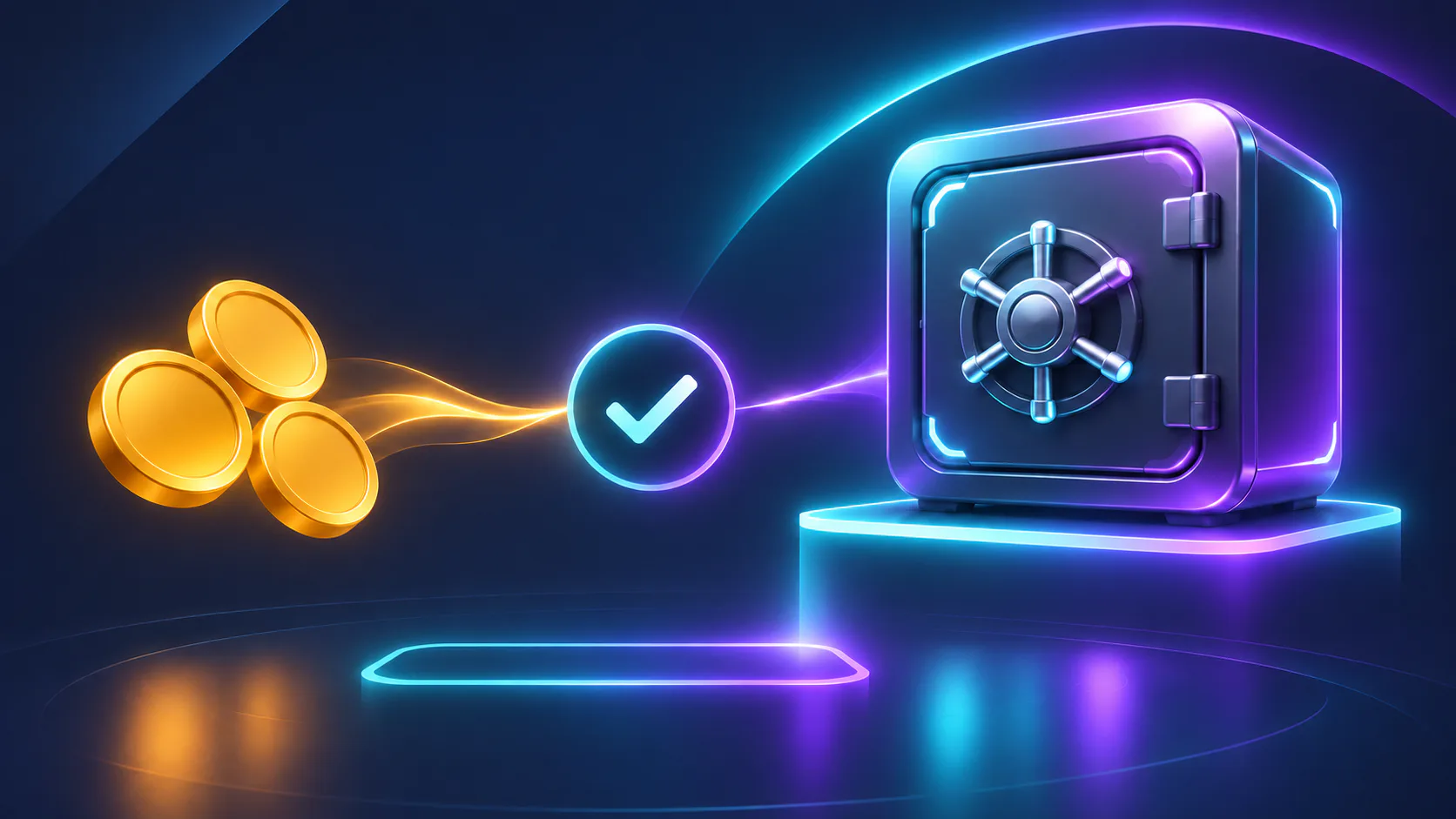
Record the safe’s starting values, check its eligibility, review the current AMA2 quote and verify the new level and AM weight after upgrading.
To upgrade an NFTAMA safe with AMA2, open an eligible real safe, select Level up, review the quoted AMA2 cost and any projected AM-weight gain, then confirm once. After completion, compare the safe’s level, weight and AMA2 balance with the values you recorded beforehand. The current quote for that safe—not an older price example—is the value to use.
Upgrade a safe with AMA2: the short answer
Our Safes and their parameters reference identifies Level up as the control for purchasing safe levels. Our AMA2 guide confirms that safe levels are one of the token’s uses.
- Open the real safe you want to level.
- Select Level up on its card or safe page.
- Check the selected safe, next level and complete AMA2 charge.
- Review the projected AM-weight change when the interface displays one.
- Confirm once, then reopen the safe and verify the result.
AMA2 leveling purchases the next safe level. It is separate from applying a modifier, expanding capacity, changing an account level or minting a new safe.
Create an upgrade receipt
Capture the safe’s starting state immediately before proceeding. This gives you a reliable before-and-after record and the essential details for a support request if the completed result does not match the quote.
| Record | Value to capture |
|---|---|
| Safe identifier | Name or number shown for the selected safe |
| Class and current level | The values displayed before leveling |
| Quality | The safe’s displayed quality |
| Current AM weight | Weight before the action |
| Remaining capacity | Available room shown for additional weight |
| AMA2 balance | Available balance before confirmation |
| Next-level cost | Complete AMA2 charge in the current quote |
| Projected weight gain | Expected change shown by the interface, if provided |
| Next-level benefit | Any additional benefit explicitly shown |
Save a screenshot if the interface permits it, but exclude passwords, recovery phrases, private keys and unrelated account information.
Check that the safe can receive another level
Complete these checks before submitting the action. A missing Level up control can indicate that the selected asset or its current state is not eligible.
- Confirm that the selected asset is a real safe. Our guide to real and demo safes states that demo safes cannot be improved.
- Check that the safe is below the level limit currently shown for its class.
- Inspect the capacity indicator. A full safe cannot receive another level until its capacity is expanded, according to the safe parameters guide.
- Confirm that the available AMA2 balance covers the complete charge.
- Check the safe identifier again when several safes have similar attributes.
If capacity leaves little room for the projected gain, compare the exact gain and charge shown before deciding whether to proceed.
Inspect the level-up quote
Level cost and resulting weight can vary with the safe and its current state. The safe parameters guide explains the underlying mechanics, while the quote gives the applicable values for the selected action.
- Open Level up for the selected safe.
- Confirm that the quote names the intended safe and next level.
- Read the complete AMA2 charge without estimating it from another safe or a previous level.
- Review the projected AM-weight change when shown.
- Check any additional benefit explicitly associated with the next level.
- Leave the action without confirming if the safe, charge or expected result is unclear.
Review the AMA2 charge and expected weight change together. The intended transaction should be clear before you submit it.
Confirm the AMA2 upgrade once
The final review is your opportunity to catch a wrong safe or unexpected quote. Only expect a separate wallet confirmation, BNB gas request or on-chain transaction if the current interface explicitly presents one.
- Compare the final values with your upgrade receipt.
- Confirm the action once.
- Allow the current request to finish before navigating away or trying again.
- Reopen or refresh the safe view and complete the after-upgrade check.
- Inspect available account activity if the interface provides it.
Do not submit a second attempt while the first may still be processing.
Verify the upgrade
After completion, confirm that the safe identifier, level and AM weight agree with the accepted quote. Check the AMA2 balance separately and account for any other balance activity that occurred during the same period.
Do not assume that every level changes minting features or other attributes. Verify only the additional benefits shown for the completed level.
| Check | Before | Expected | After |
|---|---|---|---|
| Safe identifier | Selected safe | Same safe | |
| Level | Current level | Next level in quote | |
| AM weight | Current weight | Result or gain in quote | |
| Capacity | Available room | Effect indicated by quote | |
| AMA2 balance | Starting balance | Starting balance minus quoted charge, if no other activity occurred | |
| Additional benefit | Current state | Only the benefit explicitly shown | |
| Account activity | Existing entries | Completion record or reference, if provided |
Complete the After column from the refreshed safe view. The new level and AM weight are the primary evidence that the safe changed.
What higher AM weight changes
When a completed upgrade adds AM weight, it changes the weight associated with that safe. Our guide to how AM weight affects reward share explains that a player’s share depends on eligible portfolio weight relative to total network weight.
Total network weight and distribution activity can change. The same weight gain therefore does not produce a permanently fixed AMA2 allocation.
A level changes the safe according to the completed quote. It does not promise a fixed AMA2 amount, token price, return or payback period.
Do not confuse leveling with other safe actions
Leveling, modifiers, level keys, capacity expansion and minting affect a safe in different ways. Current modifier and level-key conditions are documented in Modifiers.
- AMA2 leveling purchases the next safe level and applies the result in the level-up quote.
- A modifier key applies its stated weight effect through a separate control.
- A +1 level key can add one level without an AMA2 payment, subject to its current validity and safe-level limits.
- Capacity expansion increases the safe’s weight ceiling; it does not itself add a paid level.
- Minting creates a new safe through a separate process.
Choose the action by its stated result and required resource, not simply by where it appears in the safe menu.
If Level up or the result does not appear
For support, include the affected page, attempted action, time and account login. Add the safe identifier, starting level and weight, accepted quote and currently displayed values. Include an amount and transaction hash or receipt only when one exists and is relevant.
- Confirm that the selected asset is a real safe rather than a demo safe.
- Check whether another level is available under the safe’s current class limit.
- Check whether the safe is already at capacity.
- Confirm that the AMA2 balance covers the complete quote.
- If you already submitted the action, refresh the safe view and inspect available account activity before retrying.
- For a charge without the expected safe change, preserve the upgrade receipt, time and any available reference.
- Use NFTAMA support if the result remains unresolved.
Never send support your password, recovery phrase or private keys.
FAQ
Can I upgrade a demo NFTAMA safe?
No. Our Getting Started guide states that demo safes cannot be improved. Select a real safe to purchase a level with AMA2.
Does upgrading a safe guarantee more AMA2 rewards?
No. A completed level can add AM weight, but your allocation also depends on eligible portfolio weight relative to changing network weight and current distribution activity. More weight does not guarantee a fixed AMA2 amount, token value or return. See how AM weight affects reward share.
Where can I learn how to obtain and use AMA2?
Our guide explains how to obtain and use AMA2. Before leveling a safe, compare your available balance with its current next-level quote.
Is buying a safe level the same as using a modifier?
No. AMA2 leveling purchases the safe’s next level. A modifier key changes weight through a separate mechanic. A current +1 level key can provide a level without an AMA2 payment, subject to the conditions shown in Modifiers.
What should I send NFTAMA support if an upgrade is not reflected?
Include the affected page, attempted action, time and account login, as requested in our support guidance. Add the safe identifier, starting values, displayed quote and any available activity reference. For a payment-related case, include the amount and transaction hash or receipt if one exists. Never send a password, recovery phrase or private key.
A completed AMA2 level upgrade should produce a simple record: one eligible real safe, one reviewed quote, one confirmation and a verified change in the safe’s level and AM weight. Keeping the upgrade receipt also makes an unresolved result easier to diagnose without confusing leveling with modifiers, capacity expansion or minting.
Open Your Virtual Safes, select a real safe and review its current AMA2 level-up quote.