How to Acquire an NFTAMA Safe: Showcase or Secondary Market
Follow the showcase or player-market purchase path, compare price per AM and safe attributes, and verify that the completed transfer reaches your account.
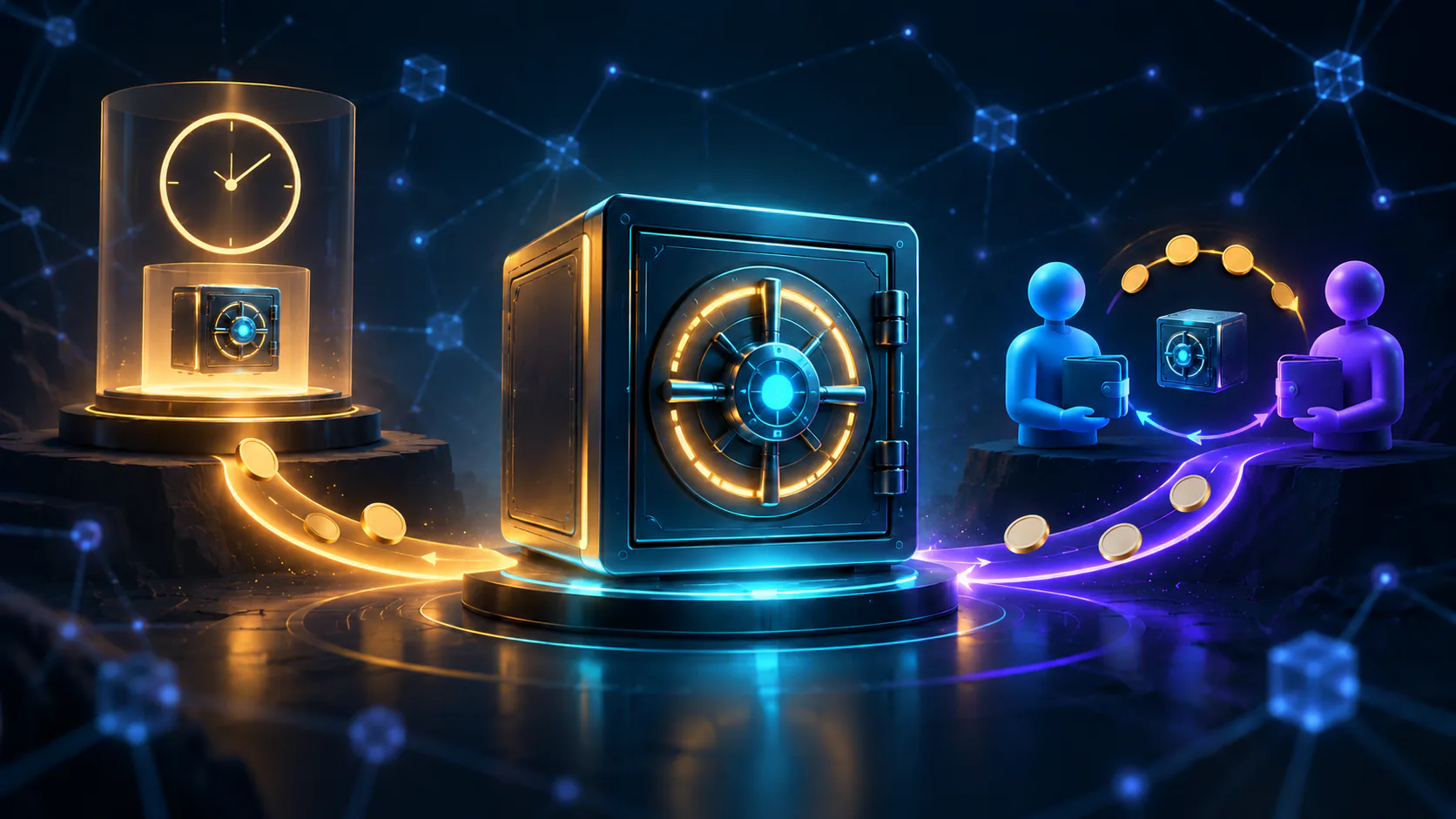
NFTAMA has two principal purchase routes: acquire a newly released safe from the showcase or buy an existing safe from another player through the internal market. The showcase is time-sensitive, while the player market lets you compare established attributes and may allow negotiation. For either route, prepare AMA2 for the purchase, keep BNB available for gas and compare more than the headline price.
Choose where to acquire your safe
The NFTAMA buying and selling guide identifies the showcase and purchases from other players as the principal buying routes. Safes can also be created through the forge, but minting has different requirements and is outside this guide.
An opening is the limited period during which a newly released safe appears in the showcase. It is different from NFTAMA’s special sale-safe mechanic, which applies separate conditions.
Neither route is universally preferable. Choose a transaction path, then compare the live AMA2 cost, current AM weight and safe attributes before committing funds.
| Criterion | Showcase | Internal player market |
|---|---|---|
| What you acquire | A newly released safe under the current opening rules | An existing safe with established attributes |
| Availability | Only while the safe remains active in the showcase | While the owner’s listing remains available |
| Price process | The displayed AMA2 price and AM weight change during the opening | Buy at the listed AMA2 price or propose another price |
| Negotiation | No seller negotiation; manual and automated acquisition are separate methods | The seller can accept, decline or counter an offer |
| Information available | Live price, AM weight, timer and attributes shown on the safe | Current and starting weight, age, growth, capacity, class, level and other displayed traits |
| Useful when | You want to consider a newly released safe and can follow a time-sensitive opening | You want to compare several existing safes or negotiate |
Pass the purchase preflight
- Sign in to the NFTAMA account that should receive the safe.
- Complete the current onboarding steps, including email confirmation.
- For a player-to-player deal, configure the external wallet required by the market guide.
- Hold enough AMA2 for the displayed purchase price.
- Keep BNB available for blockchain gas.
- Use an official `nftama.io` page, read each confirmation carefully and never disclose a seed phrase or private key.
AMA2 and BNB have different roles: AMA2 is used to purchase safes, while BNB covers blockchain gas. Check both balances immediately before confirming. See NFTAMA account and wallet setup for the current onboarding flow.
Acquire a new safe from the showcase
During an ordinary opening, both the price and AM weight fall over time. Waiting can lower the total AMA2 price while making each unit of AM weight more expensive. Recalculate price per AM when you are ready to act.
Manual purchasing is only one option. NFTAMA also documents auction, start-price and price-drop rules in its auto-buy guide. Use that guide for the current rule behavior instead of assuming that an earlier price, timer or queue condition still applies.
If the safe is no longer available, return to the live showcase before taking another action. Another player may have acquired it, or its showcase period may have ended.
- Open the Safe market and locate the safe currently active in the showcase.
- Check the safe identifier, remaining opening time, displayed AMA2 price and current AM weight.
- Calculate price per AM by dividing the current AMA2 price by the current AM weight.
- Use the available purchase action when the live price and attributes meet your requirements.
- Review the safe identifier, AMA2 amount, account and any displayed gas information before confirming.
- Complete the confirmation and follow the resulting status rather than relying on an earlier screenshot or price.
Buy an existing safe from another player
The seller may accept, decline or counter an offer. The current market guide gives each side seven days to respond, while the market interface shows the applicable deadline for the individual offer.
Submitting an offer does not itself complete the purchase. Keep the required AMA2 available if you intend to accept the final deal, and remember that player-to-player transactions require an external wallet.
Seller acceptance and blockchain settlement are separate stages. Continue following the transaction until the transfer is complete.
- Open “Safes for sale” in the internal market and filter the available listings.
- Open a safe and inspect its identifier, current and starting weight, AMA2 price, age, growth, capacity, class, level, modifiers, rarity gene and mint resource where shown.
- Select “Buy” if you accept the listed price. The deal proceeds only after you review and confirm it.
- Select “Your price” to propose another AMA2 amount. The negotiation appears under “Safe offers.”
- Use “Waiting for you” for offers requiring your response and “Waiting for the other side” when the seller must act.
- If the seller counters, review the revised amount and the safe’s current details before responding.
- Once the price is accepted, complete the purchase confirmation. NFTAMA charges AMA2 when the deal is completed, and the resulting blockchain transfer can then appear under “In progress.”
Compare the safe—not only its asking price
NFTAMA’s safe-attribute guide explains weight, class, quality, level, capacity, growth, rarity gene and mint resource in detail. Evaluate those attributes together rather than treating one metric as a complete valuation.
Price per AM is a comparison tool, not a profitability calculation. It does not account for differences in capacity, growth, upgrades, mint history or future activity in the system.
| Check | What to record | Why it matters |
|---|---|---|
| AMA2 price | Record the live showcase price or accepted player-market price. | This is the principal purchase amount, not a complete measure of the safe’s attributes. |
| BNB gas | Check the gas requirement displayed for the transaction, if shown. | Insufficient BNB can prevent the blockchain step from completing. |
| Current AM weight | Use the weight displayed when you are ready to buy. | This is the denominator for the price-per-AM comparison. |
| Price per AM | Divide the AMA2 price by current AM weight. | This supports a consistent price comparison but does not forecast rewards. |
| Capacity and growth | Check remaining capacity and the displayed growth rate. | These describe how much room remains and how the safe grows within its capacity. |
| Class, quality and level | Review the displayed values and applicable level limit. | They affect the safe’s development and weight changes. |
| Rarity gene and mint resource | Check the gene and used or available mints. | These matter if you intend to use the safe in the forge. |
| Age, modifiers and history | Review the information displayed for the existing safe. | These facts describe the asset but do not establish future value. |
Price-per-AM example: a safe priced at 300 AMA2 with 20 AM costs 15 AMA2 per AM. A safe priced at 180 AMA2 with 10 AM costs 18 AMA2 per AM. The second safe has the lower total price, but not the lower price per AM. Its other attributes may still suit a different purpose.
Keep special purchase conditions separate
An ordinary showcase opening follows the standard live price-and-weight process. A special sale safe can apply a separate weight multiplier when the conditions displayed for that sale are met. Check the live card and official Sales guide for the applicable deadline and conditions.
Coupons, newcomer conditions and account-level priority should be counted only when the current interface says they apply. Do not assume that a player-market purchase creates new showcase weight or qualifies for a showcase-specific benefit.
For an existing safe, use the weight, modifiers and other attributes already displayed on its listing. Reselling the asset does not create a new showcase purchase condition.
Review the transaction before committing AMA2
The confirmation screen is the final decision point. The displayed safe, amount and account should match the purchase you intended to make.
An offer, an accepted price, a purchase confirmation and a completed blockchain transfer are different states. Do not repeat the purchase solely because the safe is not visible immediately; check its current transaction status first.
- Match the safe identifier to the asset you inspected.
- Confirm whether the source is the showcase or a player listing.
- Compare the final AMA2 amount with the price you recorded.
- Review current AM weight and the attributes that informed your decision.
- Check that enough BNB remains available for gas.
- Read every transaction or account confirmation before approving it.
- If any identifier, price, weight or account detail has changed unexpectedly, return to the live safe instead of confirming.
Verify that the safe reached your account
For a player deal, the documented path moves from the offer or direct purchase to confirmation, “In progress” and the completed transfer. A showcase purchase may display different intermediate states, so follow the status shown for that transaction.
The acquisition is complete when the transfer has settled and the correct safe appears under your ownership. Confirm its details before taking another action with the asset.
- For a player-market purchase, check “In progress” while the blockchain transfer is running.
- After completion, check Wallet → Staked safes, where NFTAMA’s guide directs owners to manage and sell safes held on the internal wallet.
- Open the acquired safe and compare its identifier, weight and attributes with the purchase record.
- If the transaction is still pending, inspect the account activity and available transaction hash before trying again.
- If AMA2 has been charged but the safe is not visible, confirm that you are using the same NFTAMA account and that no Wallet filter is hiding it.
- If official support is needed, provide the safe identifier, approximate time, transaction hash and relevant screenshots. Never provide a password, private key or seed phrase.
FAQ
What do I need before I can buy a real NFTAMA safe?
Sign in and complete the current NFTAMA account and wallet setup. Keep enough AMA2 for the displayed purchase price and enough BNB for network gas. NFTAMA’s onboarding also asks users to confirm their email. An external wallet is specifically required for player-to-player deals.
Do NFTAMA safe purchases use AMA2 or BNB?
Current NFTAMA guidance uses AMA2 to purchase safes and BNB to cover blockchain gas. Check the displayed AMA2 amount and your BNB balance again before confirming because the safe price and network cost can change.
Should I acquire a showcase safe or buy one from another player?
Use the showcase to consider a newly released safe under the current opening rules. Use the internal market to compare existing safes, buy at a listed price or propose another price. Neither route is automatically better; compare timing, current AM weight, price per AM, attributes and transaction steps.
Does a lower asking price mean a safe is better value?
No. Divide the AMA2 price by current AM weight, then examine capacity, growth, age, class, quality, level, modifiers, rarity gene and remaining mint resource where displayed. Past attributes and prices describe the safe but do not predict future rewards or resale value.
Choose the route first and evaluate the individual safe second. A showcase purchase depends on live timing, AMA2 price and AM weight; a player-market purchase depends on the asset’s existing attributes and the offer workflow. In either case, finish by confirming the transaction status and verifying that the correct safe reached your NFTAMA account.
Browse safes currently offered by other players in the NFTAMA market, then compare the AMA2 price, current AM weight and safe attributes before confirming.