NFTAMA Deposit Pending? Check Its Status and Next Step
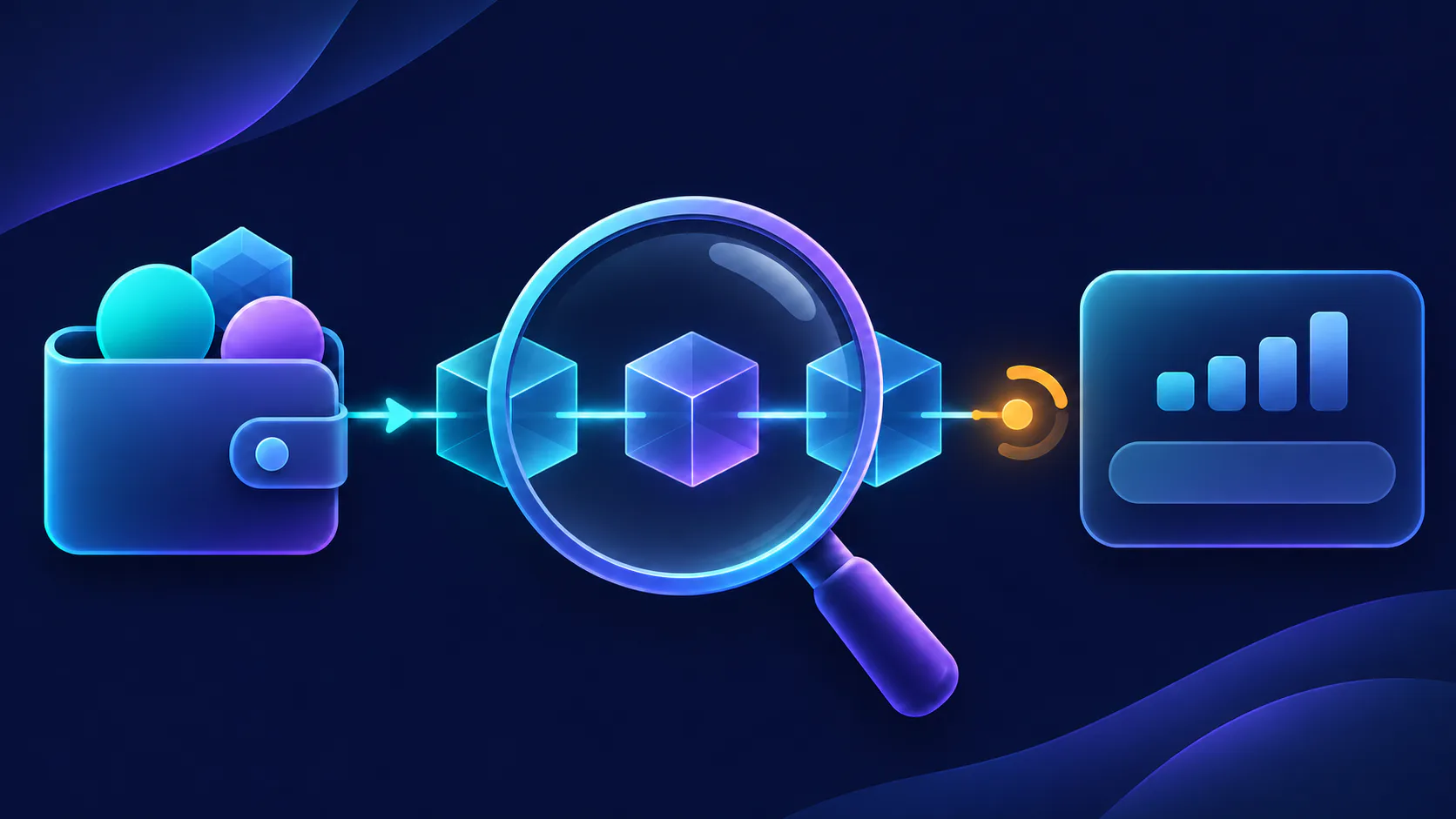
Trace an NFTAMA deposit from the sending service to BNB Smart Chain, verify the transfer on BscScan and determine the correct next action.
Do not send the deposit again while the first transfer is unresolved. Find its transaction hash in the sending wallet or exchange, check it on BscScan, and compare the status, full recipient address, asset and delivered amount with the NFTAMA funding details you used. No TxHash means checking the sender first; a Pending transaction still needs an on-chain result; and a successful, correctly addressed transfer with no balance update should be sent to NFTAMA support with the evidence.
Your deposit is pending: do these checks first
- Do not repeat the transfer while its status is unresolved.
- Find the transaction hash, also called a TxHash or TxID.
- Search for that hash on BscScan.
- Compare the full recipient address, asset and delivered amount with the NFTAMA funding details used for the transfer.
A deposit passes through three layers: the sending wallet or exchange must release it, BNB Smart Chain must execute it, and NFTAMA must recognize or process the received funds. Find where progress stopped before taking another action.
Confirm that the sender created an on-chain transaction
Never give anyone your password, seed phrase, private key or authentication code. Transaction evidence is sufficient for a payment investigation.
- Open the wallet or exchange from which you sent the funds.
- Find its withdrawal or transaction record. The sending service may describe it as processing, rejected, submitted or completed.
- Copy the complete TxHash or TxID. This is public transaction evidence, not a secret credential.
- Search for the hash on BscScan and confirm that the record corresponds to your transfer.
If the sender has not supplied a TxHash, the transfer cannot yet be verified on-chain. Check the sending wallet or exchange before treating the delay as an NFTAMA crediting issue.
Let the BscScan result determine your next action
BNB Chain recommends searching BscScan by transaction hash or wallet address and checking the result, recipient and network when transferred tokens are not visible. See the official BNB Chain verification guidance.
| Evidence found | What it establishes | Next action |
|---|---|---|
| No TxHash | There is no verifiable on-chain record available yet. | Check the sending wallet or exchange. Do not send a replacement transfer. |
| Hash not found on BscScan | The hash may be incomplete, or the sender may have used another network. | Copy the hash again and verify the network shown by the sender. |
| Pending | The transaction has not reached a successful on-chain result. | Wait for the status to change. Do not create a duplicate transfer. |
| Failed | The transaction did not execute successfully. | Review the sender’s transaction record before taking another action. |
| Success, but details do not match | The transfer executed, but the recipient, asset or delivered amount differs from the intended deposit. | Stop and preserve the evidence. Do not assume recovery is possible. |
| Success, with matching details | The transfer executed to the recorded address with the displayed asset and amount. | Check the relevant NFTAMA account and balance. If it remains unchanged, prepare a support report. |
Success on BscScan confirms on-chain execution. It does not by itself confirm that NFTAMA has completed internal crediting or USDT conversion.
Compare the transaction with the NFTAMA deposit details
BscScan records what happened on-chain. It cannot correct an address, reverse a completed transaction or update an NFTAMA account balance.
- Recipient: Compare the entire address on BscScan with the address NFTAMA displayed for the relevant account or payment flow. Do not compare only the first and last characters.
- Network: NFTAMA’s internal wallet operates on BNB Smart Chain. The wallet, top-up and withdrawal guide specifically requires BNB Smart Chain/BEP-20 for USDT.
- Asset: Confirm that the on-chain record shows the intended BNB, AMA2 or USDT transfer. For tokens, inspect the token details rather than relying only on a familiar symbol.
- Delivered amount: Use the amount recorded on-chain. A sending service’s withdrawal fee may make this lower than the amount originally entered.
Apply the check for BNB, AMA2 or USDT
- BNB: Verify the recipient and successful on-chain result, then check the corresponding NFTAMA balance. Our wallet guide says BNB deposits are credited automatically, usually within 20 minutes. This is BNB-specific usual timing, not a guaranteed deadline or a timing estimate for other assets.
- AMA2: Verify the token, recipient and on-chain result, then check the relevant balance in the correct NFTAMA account. Do not apply the BNB timing estimate to AMA2.
- USDT: Confirm that the transfer used BNB Smart Chain/BEP-20, reached the address shown for the payment flow and delivered the intended amount. The USDT top-up guide states that a payment session lasts 20 minutes. If you already sent USDT after the session expired, do not send it again; preserve the evidence and use the support route because no automatic outcome should be assumed.
BNB, AMA2 and USDT do not all follow the same processing flow. Payment-session conditions apply to USDT, not to direct BNB or AMA2 top-ups.
BscScan shows Success, but the NFTAMA balance is unchanged
A successful, correctly addressed transaction gives support a clear record to investigate. The NFTAMA support guide asks for the payment amount, transaction hash, a brief description of the issue and a working email.
- Recheck the full recipient address on BscScan.
- Confirm that the transaction used BNB Smart Chain and the intended asset.
- Record the amount actually delivered, including any difference caused by a sender’s fee.
- Confirm that you are viewing the NFTAMA account for which the deposit address or payment flow was created.
- Check the relevant NFTAMA balance; different funding methods may not follow the same processing path.
- For BNB only, compare the elapsed time with NFTAMA’s published usual timing.
- If the transaction succeeded with matching details but the balance remains unchanged, treat it as a support investigation. Do not send a replacement deposit.
Prepare one complete deposit record for support
Keep the description short and factual. NFTAMA explicitly requests the problem description, amount, transaction hash and a working email. The asset, network, transfer time and BscScan link provide useful additional context.
- Problem: USDT transfer completed on BNB Smart Chain, but the expected NFTAMA balance has not appeared.
- NFTAMA account detail, if useful: [non-secret account identifier]
- Working email: [email protected]
- Asset and amount: 00.00 USDT
- Network: BNB Smart Chain/BEP-20
- Transfer time: YYYY-MM-DD, HH:MM, time zone
- Transaction hash: 0x[complete transaction hash]
- BscScan link: https://bscscan.com/tx/0x[complete transaction hash]
- Checks completed: BscScan shows Success; the recipient, asset and amount match the NFTAMA payment details.
Use fictional placeholders only until you submit your own report. Include the complete transaction record, but never include a password, seed phrase, private key or authentication code.
FAQ
How do I check an NFTAMA deposit using its transaction hash?
Copy the TxHash or TxID from the sending wallet or exchange and search for it on BscScan. Check the status, full recipient address, token and delivered amount. If the transaction succeeded with the correct details but the balance remains unchanged, send that evidence to NFTAMA support.
Which network should I use for an NFTAMA deposit?
Use the network specified for the selected funding method. NFTAMA’s internal wallet operates on BNB Smart Chain, and USDT top-ups specifically require BNB Smart Chain/BEP-20, according to the NFTAMA wallet guide. Do not assume that the same token sent over another network will be credited.
What should I do if BscScan shows Success but my NFTAMA balance has not updated?
Verify the full recipient address, asset and amount once more. Success confirms execution on BNB Smart Chain, but it does not confirm that NFTAMA has completed its internal crediting or conversion step. Do not resend the deposit; provide the amount, TxHash, brief problem description and a working email through NFTAMA support.
What if I used the wrong network or deposit address?
Stop further transfers and save the TxHash, addresses, asset, amount and network. BscScan cannot reverse a completed transaction. Recovery depends on who controls the receiving address and may not be available. Use NFTAMA’s official support route; BNB Chain’s recovery guidance explains why platform-controlled addresses require help from the platform.
What information should I send NFTAMA support about a pending deposit?
NFTAMA asks for a brief problem description, payment amount, transaction hash and working email. Adding the asset, network, transfer time and BscScan link can help identify the transfer. Never provide a password, seed phrase, private key or authentication code.
Trace the deposit in order: sender, BNB Smart Chain, then NFTAMA. Confirm that the sender supplied a TxHash, let the BscScan result determine the next step, and verify the full recipient address, asset and delivered amount. If the transaction shows Success with matching details but the expected balance remains unchanged, do not resend—submit the complete transaction record through official NFTAMA support.
If BscScan shows Success with the correct recipient, asset and amount but your NFTAMA balance remains unchanged, submit the transaction record through the official NFTAMA support guide.