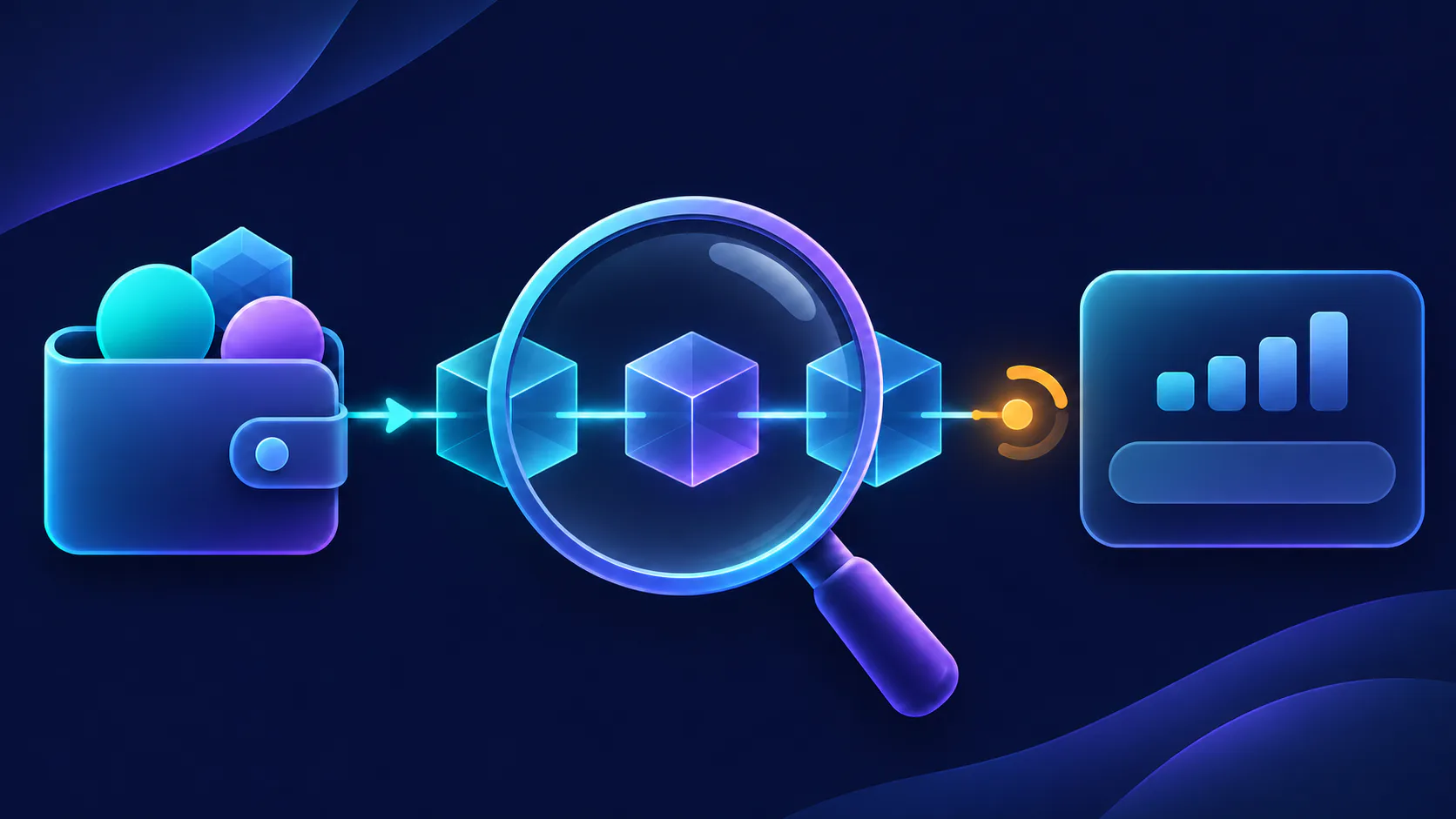
How to Get Started with NFTAMA: A Beginner’s Checklist
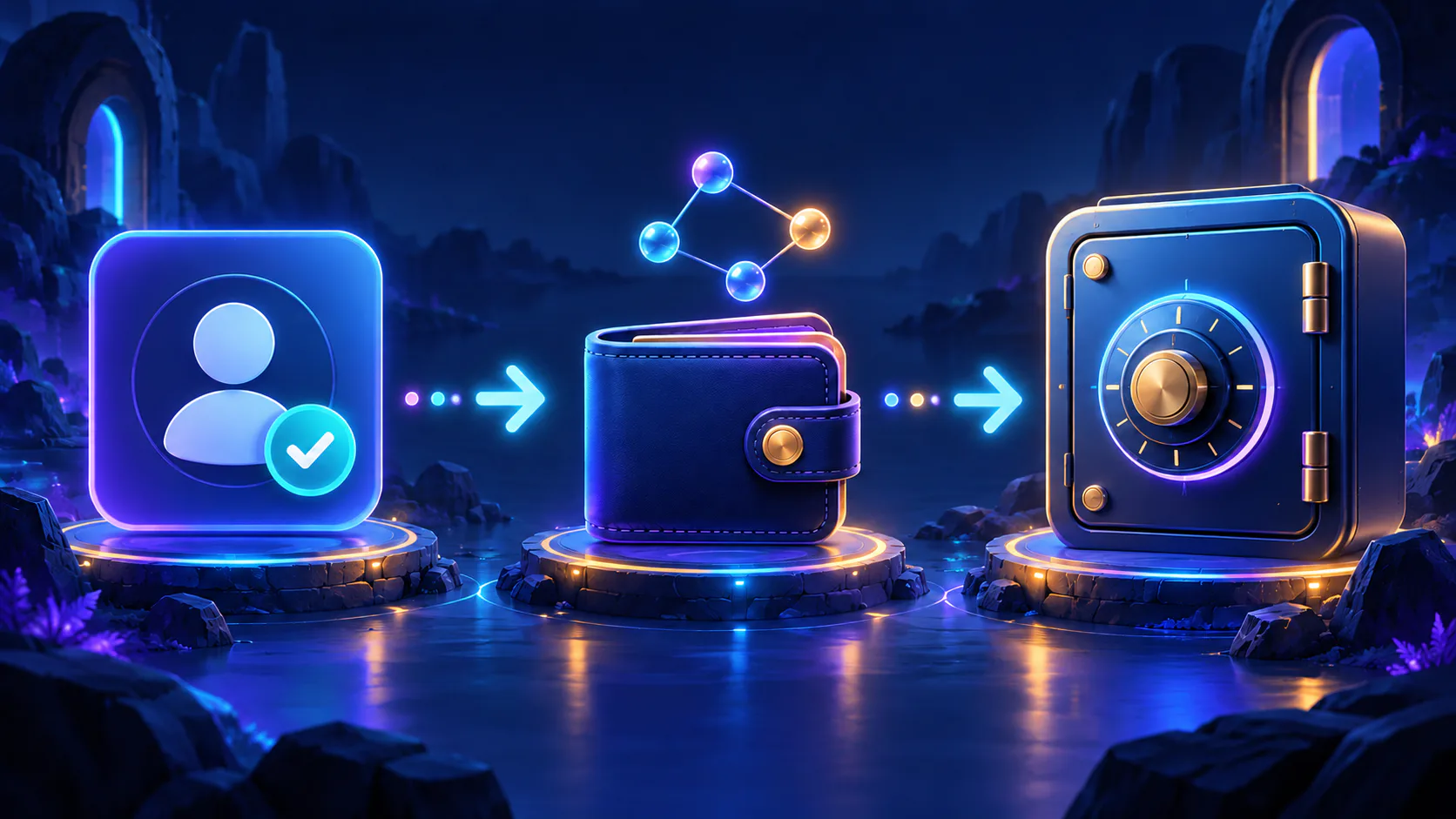
Create and confirm your NFTAMA account, choose the correct wallet and funding route, acquire a first safe and verify the completed transaction.
Getting started with NFTAMA involves three checkpoints: confirm your account, verify any transfer to your internal wallet, and confirm that your first real safe appears in the expected account location. You can also stop after the first checkpoint and explore with a demo safe before funding the account. Token values, safe availability and network costs can change, so check every amount in the live interface; this checklist explains the procedure rather than predicting a financial result.
Your NFTAMA beginner checklist
- Understand what NFT safes and AM weight represent.
- Choose whether to explore with the demo or continue toward a real safe.
- Create one account and confirm your email.
- Distinguish your NFTAMA internal wallet from an external wallet.
- Choose USDT, BNB or AMA2 and verify BNB Smart Chain/BEP-20.
- Fund the internal wallet and retain the transaction hash.
- Choose the showcase, auto-buy or player market.
- Review the safe and transaction details before confirming.
- Find the acquired safe and check its displayed state and weight.
- Save the activity record and transaction evidence.
For the real-safe path, you are finished when the account is confirmed, the intended funds are credited and the correct safe is visible in the internal wallet or portfolio. The aggregate share and weight history may update on NFTAMA’s documented daily recalculation rather than immediately.
Know what “finished” looks like before you begin
NFTAMA is an economy game built around virtual NFT safes on BNB Smart Chain. Each safe has AM weight. Under NFTAMA’s documented rules, the combined eligible weight of your safes determines your share relative to the network’s eligible weight. It does not promise a fixed token amount or monetary return. The complete mechanic is explained in how AM weight affects allocations.
Your first decision is whether to explore or acquire a real safe. After email confirmation, the demo safe provides a time-limited way to learn the interface and access the Safe of Luck. Levels, keys and forging remain real-safe features. You can therefore explore without first transferring funds.
If you continue toward a real safe, use a concrete endpoint: verify the credited balance, find the correct safe in the account, compare its attributes with the transaction and retain the associated activity record.
Set up one account and confirm your email
NFTAMA publishes a one-player, one-account rule. Use one durable account rather than creating a replacement when a confirmation message or login is delayed. The current getting-started guide explains the account rule and what email confirmation enables.
- Navigate directly to the official NFTAMA domain.
- Register with an email address you expect to keep; NFTAMA’s published policy does not accept temporary email addresses.
- Create a unique password that you do not reuse for your email, exchange or external wallet.
- Open the confirmation message and verify your email.
- Sign in and confirm that the documented demo-safe experience is available.
Use the right wallet for the right job
The **NFTAMA internal wallet** supports activity inside the platform. An **external BNB Smart Chain wallet** is controlled by you; MetaMask and Trust Wallet are examples. You do not need to connect one simply to create an NFTAMA account.
The two locations are not interchangeable. Read wallets, top-ups and withdrawals before moving assets, and check the market guide before entering a player deal.
- Internal-wallet example: NFTAMA creates this wallet automatically. Supported deposits and purchased safes enter the platform through it.
- External-wallet example: you use a personal BNB Smart Chain wallet for documented withdrawals and player-to-player safe deals.
- Address check: compare the complete destination address and selected network before approving a transfer.

Choose how to fund the NFTAMA internal wallet
Do not select a network from the token ticker alone: the same ticker can appear on more than one chain. NFTAMA’s documented USDT route accepts **BNB Smart Chain/BEP-20 only**. USDT sent through TRON or another network is not credited through that route.
The USDT flow converts the received amount into AMA2 for platform purchases and BNB for network fees using the applicable rate when the funds arrive. Check the current quote and expected credit in wallets, top-ups and withdrawals. If you transfer AMA2 directly, use NFTAMA’s official AMA2 information rather than relying on the token name alone.
| Starting asset | When it may fit | Required network | Check before sending |
|---|---|---|---|
| USDT | You hold supported USDT and want to use NFTAMA’s documented conversion flow. | BNB Smart Chain/BEP-20 only | The live quote, session address, minimum, fee and expected AMA2 and BNB credit |
| BNB | You already hold BNB or need BNB for supported network operations. | BNB Smart Chain | The deposit address, fee, credited amount and BNB needed for the next action |
| AMA2 | You already hold the official AMA2 token and intend to use it inside NFTAMA. | BNB Smart Chain/BEP-20 | The maintained contract information, deposit address and sufficient BNB for applicable gas |
Pass the pre-transfer safety gate
- Confirm that you are on the official domain and signed into the intended account.
- Select the intended asset and read the network shown with its deposit details.
- Select BNB Smart Chain or BEP-20 in the sending wallet or exchange.
- Compare the complete NFTAMA deposit address with the destination shown by the sender.
- Review the amount, sending fee, expected credit and whether the next operation needs BNB for gas.
- Approve the transfer only after every field matches.
- Save the transaction hash, date, time, asset, amount and destination.
- Wait for both blockchain confirmation and NFTAMA account crediting; they are separate checkpoints.
If the asset, address or network was incorrect, do not repeat the transfer or assume a recovery outcome. Preserve the transaction details and use official NFTAMA support.
Choose a route to your first real safe
Forging is another documented way to obtain a safe, but it introduces additional resources and probability-based outcomes. It is better treated as a later task than as part of initial onboarding.
- **Showcase:** Use this route when a currently available safe fits your balance and requirements. Review the values displayed when you act.
- **Auto-buy:** Use this route when you are willing to wait for a safe that matches predefined conditions. Check the rule type, price limit, available AMA2 and BNB, and the pause control before enabling it. Read the auto-buy rules and controls.
- **Player market:** Use this route to compare safes offered by other players. Review the safe, proposed AMA2 price and transaction destination. Documented player deals require an external BNB Smart Chain wallet. See showcase and player-market purchases.
- **Demo path:** Continue exploring without funding if you are not ready to acquire a real safe.
Inspect the safe before you confirm
- Confirm that the item is a real safe rather than the temporary demo.
- Review the purchase amount and any BNB needed for the network operation.
- Check the displayed AM weight, class, level, capacity, growth and other relevant attributes.
- Confirm the applicable transaction cost and the balance that will remain.
- For auto-buy, verify the rule type, price limit and matching conditions.
- For a player deal, verify the external wallet, network and transaction destination.
- Record the safe identifier and displayed attributes for comparison after completion.
Weight and other attributes describe the safe’s current state and capabilities; they do not establish a guaranteed return or payback period. See safe weight, class, level and capacity for the parameter definitions.
Confirm the safe, its location and its AM weight
A sent payment and a visible safe are separate checks. Completion means that the correct safe is present and its displayed details agree with the transaction.
If the balance changes but the safe does not appear, check the existing transaction status, account activity and portfolio filters before placing another order.
- Wait for the purchase or transfer to complete; do not repeat it merely because the result is not immediate.
- Open the internal-wallet or portfolio view and locate the safe by its identifier.
- Compare its weight, class, level, capacity and other displayed details with the safe you confirmed.
- Check that it appears in the expected internal-wallet or staked-safe location.
- Review the relevant weight display. NFTAMA states that aggregate share and weight history are recalculated once a day, so those totals may not change immediately.
- Save the acquisition route, date, time, amount and transaction hash where one exists.

If the checklist stops, check the evidence before retrying
If these checks do not resolve the issue, NFTAMA asks support requests to include the affected page, attempted action, time and login. For payment issues, include the amount and transaction hash. Use the official support form.
| What you see | Check first | Evidence to retain |
|---|---|---|
| Deposit is not credited | Asset, BNB Smart Chain/BEP-20 network, full address and blockchain status | Transaction hash, date, time, amount, login and affected page |
| Balance is insufficient | Required AMA2 or BNB, applicable cost and BNB needed for gas | Displayed requirement, balances and attempted action |
| Auto-buy has not executed | Whether the rule is active, its conditions and price limit, available balances and matching availability | Rule settings, relevant time and account activity |
| Purchase remains in progress | The existing market, activity or blockchain status before retrying | Acquisition route, safe identifier, time, amount and transaction hash |
| Safe is not visible | Internal-wallet or portfolio location, filters, activity history and transfer status | Expected safe details, purchase record, time and login |
Continue with the guide that matches your next task
Upgrading, forging, minting and withdrawals are optional later tasks. None is required to complete this beginner checklist. Choose the next guide according to the action you intend to take rather than trying to learn every NFTAMA mechanic at once.
- Use the safes guide to interpret attributes before another acquisition.
- Use the AM-weight guide to understand allocation mechanics.
- Use the market guide for showcase and player-market procedures.
- Use the auto-buy guide before changing automated purchase rules.
- Return to the wallet guide before any withdrawal or external-wallet transfer.
FAQ
Can I try NFTAMA without buying a safe?
Yes. After registering and confirming your email, you can explore NFTAMA with a time-limited demo safe before buying a real safe. The demo safe can access the Safe of Luck, but it cannot use levels, keys or forging. See the current getting-started guide.
Do I need an external crypto wallet to start using NFTAMA?
Not for the initial account steps. NFTAMA automatically creates an internal BNB Smart Chain wallet for platform activity. You need your own external BNB Smart Chain wallet for documented actions such as withdrawals and player-to-player safe deals. MetaMask and Trust Wallet are examples, not mandatory choices. Compare the two wallet types.
Should I fund NFTAMA with USDT, BNB or AMA2?
Choose according to the supported asset you hold and your intended next action. NFTAMA’s documented USDT route accepts USDT through BNB Smart Chain/BEP-20 only and converts it into AMA2 and BNB. BNB is also needed for specified network operations. Before transferring, check the current address, network, minimum, fee, quote and credited amount in the wallet guide and live interface.
Should I use the showcase, auto-buy or the player market?
There is no universal best route. Use the showcase when an available safe fits your balance and requirements. Use auto-buy only after reviewing its price limit, matching conditions and available AMA2 and BNB. The player market lets you compare listed safes, but documented player deals require an external wallet. See showcase and player-market purchases and auto-buy rules.
What should I save if a deposit or safe purchase does not appear?
Save the affected page, attempted action, date and time, account login, amount and transaction hash when a blockchain transfer is involved. Check the asset, network, address, blockchain status, account activity and portfolio filters before retrying. If the status remains unresolved, include that evidence when you contact NFTAMA support.
Your initial setup is complete when the account is confirmed, the intended transfer is recorded and the correct real safe appears in its documented account location. Keep the transaction evidence, allow for the daily aggregate-weight recalculation, and then continue with the guide for your next task.
Ready to begin? Use the account-entry controls in the official NFTAMA guide to create or confirm your account and try the documented beginner experience.