NFTAMA Blog
The “My Safes” Section: How to Manage Your NFT Portfolio
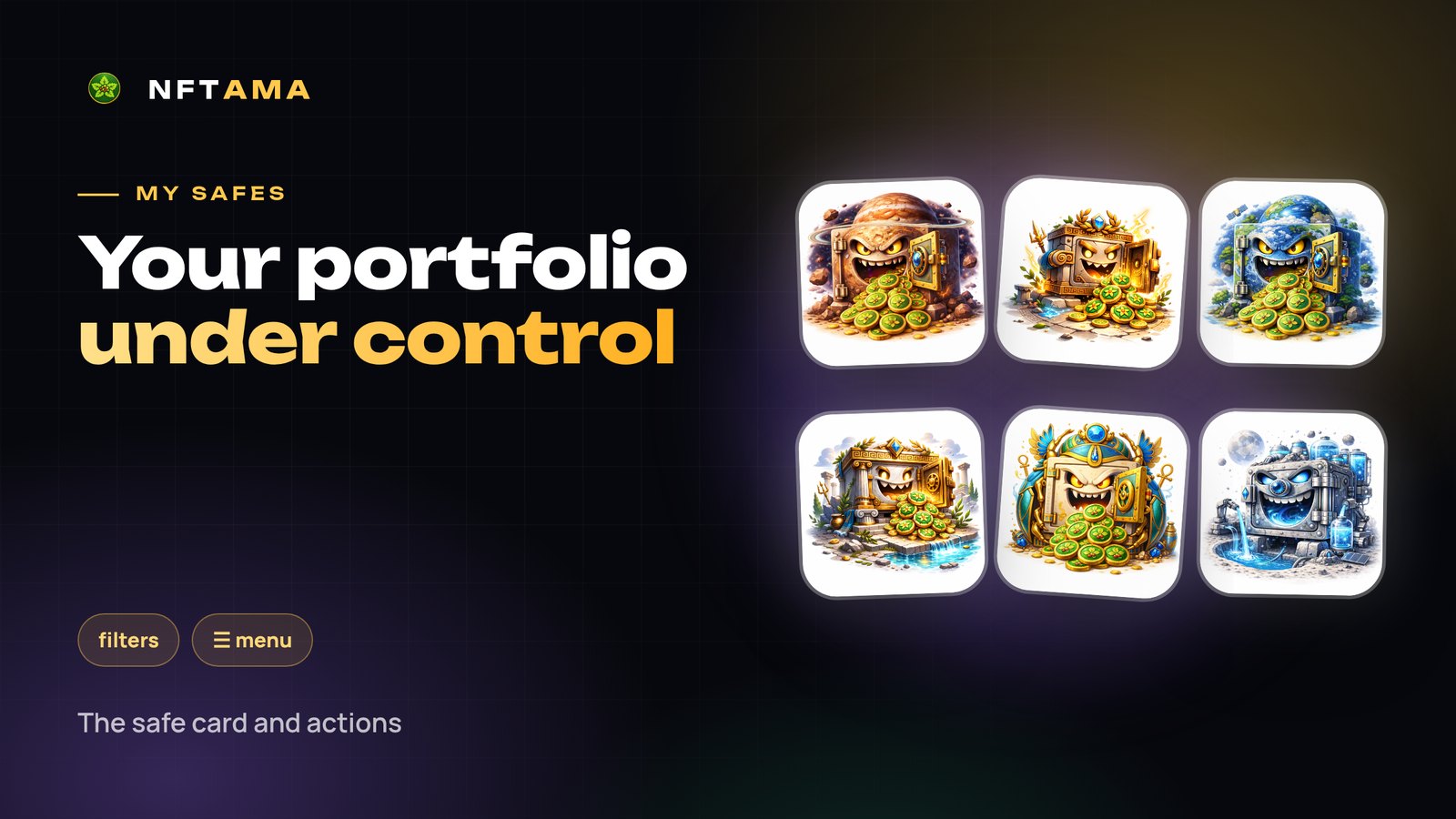
“My safes” is the collection of all your safes, paid and demo. It shows how much each safe weighs, how much it has grown, how much room it has left and what you can do with it. Once you have more than five safes, filters become essential.
In short: the card shows weight, growth, capacity, gene and mint resource; filters help you find safes to level, key and forge; every action is in the ☰ menu on the card.
What is on a safe card
| Element | Meaning |
|---|---|
| Weight and “+xx%” | Current AM weight and growth from the start weight through levels, keys and daily growth |
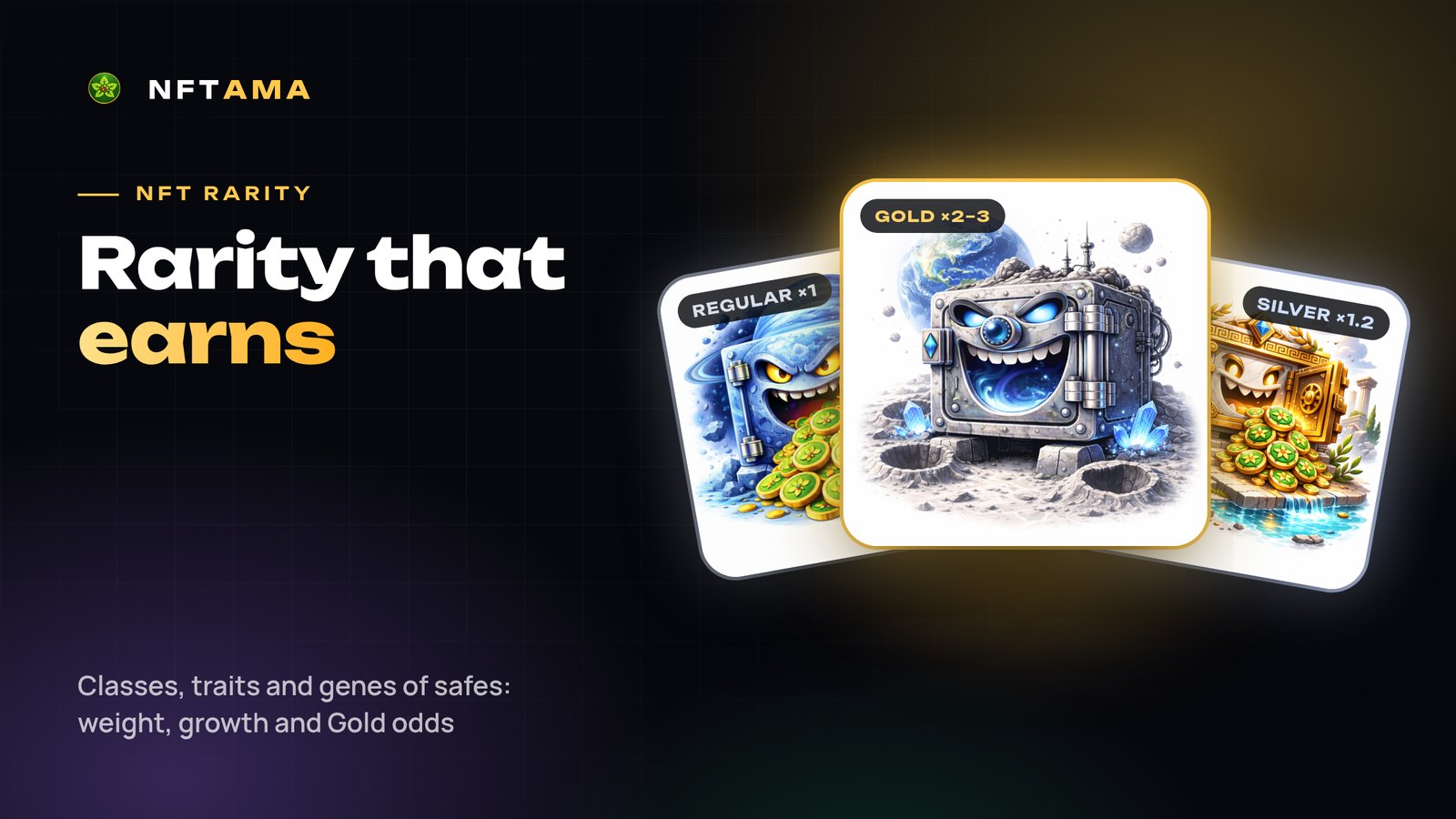
| Class and quality | Regular, Silver or Gold and the exact multiplier within the class |
| Level | The current level and the class cap (10 / 15 / 20) |
| Capacity bar | How full the safe is up to its weight ceiling |
| Growth and gene | % of base weight a day and the bonus to the rare class chance in the forge |
| “Mint: 2 of 3 free” | How many more mints the safe can join |
| “Fresh pool: until DD.MM” | Until when the safe's weight earns a share of new purchases |
| Series and bonus | The collection bonus, e.g. “Regular +4%” |
Filters that save time
- Class, weight, level, age — find specific safes.
- Growth and gene “from” — pick the best safes for the long game and for the forge.
- Room to capacity: “Growing” — has room to grow, “Full” — time to expand.
- Safe type: paid, demo or all.
- Was in a mint — tell fresh parents from “tired” ones.
- Sorting — newest or oldest first, by weight, growth and more.
Actions in the ☰ menu
- Upgrade — the safe's next level; the price is shown right away.
- Boost with a key — apply a modifier key (one per safe) or a level/growth key.
- Expand capacity — +10% to the ceiling per step.
- Sell and withdraw to an external wallet — from the wallet page.
Sending a safe to the forge is done on the “Mint safe” page.
A quick weekly portfolio check
- The “Full” filter — expand your most valuable safes.
- Sort by weight — keys and levels go on the heaviest safes.
- “Was in a mint: No” plus a high gene — forge candidates.
Try it for free
Signing up takes a minute: a login, an e-mail and a password, no documents and no wallet. After confirming your e-mail you get a demo safe that starts earning AMA2 right away, and the safe of luck.
Every safe parameter is in the guide: “Safes and their parameters”.