NFTAMA Blog
Topping Up NFTAMA with USDT: How the Payment Session Works
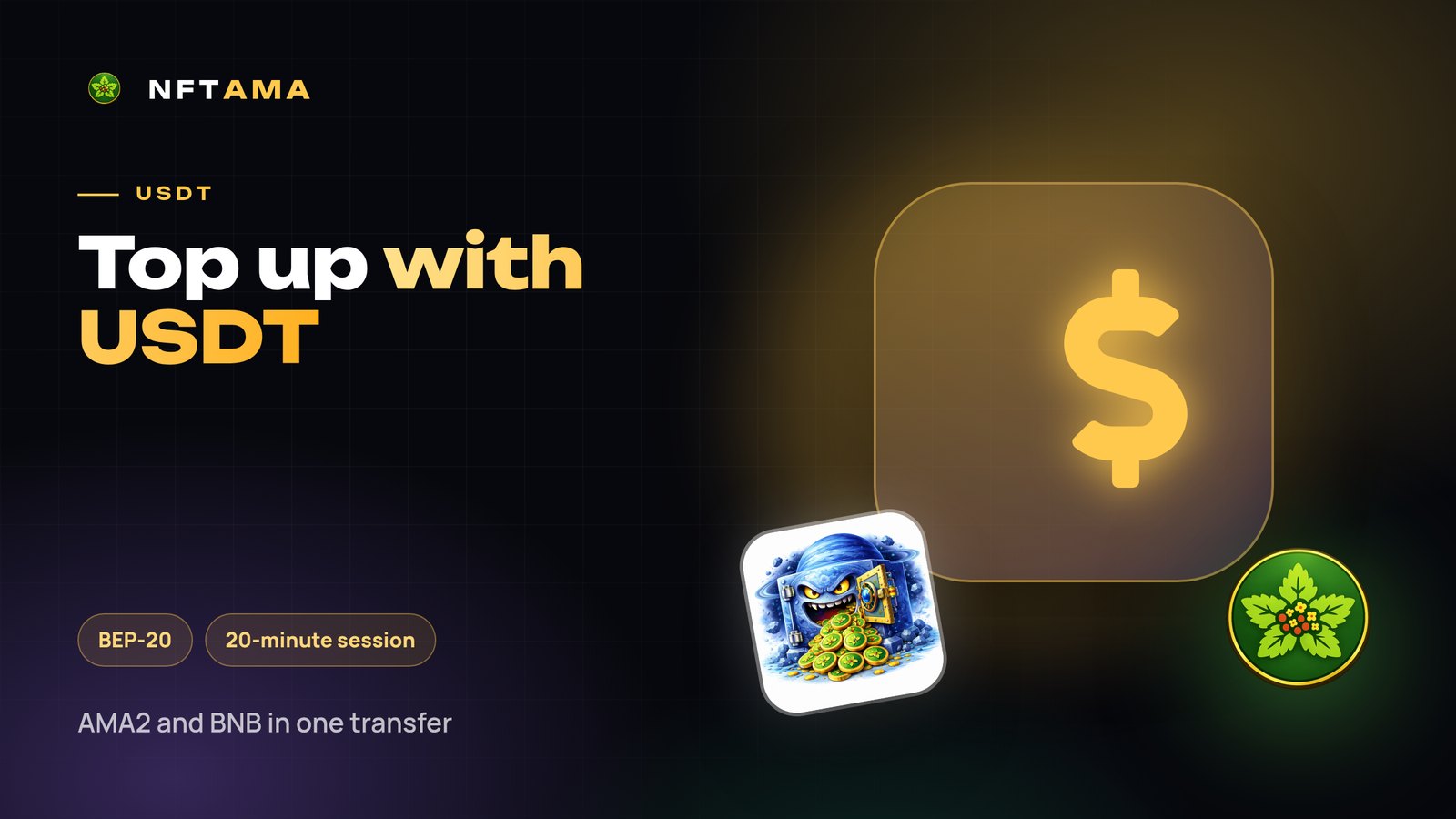
If you have USDT on an exchange or in a wallet, it is the easiest way to top up NFTAMA. The platform splits the amount into AMA2 for purchases and BNB for gas by itself — nothing to swap in advance.
In short: enter the amount, open a payment session and within 20 minutes send USDT on BNB Smart Chain (BEP-20) to your internal wallet. The funds are converted at the rate when they arrive.
How to top up
- Open “Top up” and choose USDT.
- Enter the amount — the platform shows how many safes it covers and how it will split it into AMA2 and BNB.
- Open a payment session: it expires in 20 minutes.
- Send USDT to the internal wallet address shown in the session, on BNB Smart Chain (BEP-20).
- Once received, the transfer is converted at the actual rate, and AMA2 and BNB appear on your balance.
Why USDT is convenient
- No need to buy BNB for gas separately: part of the amount is set aside automatically.
- A stablecoin doesn't change price while you move it from an exchange.
- A top-up gives account experience — 10% of the amount above your previous high of “brought in minus taken out”.
Common mistakes
| Mistake | What happens |
|---|---|
| Sending over TRON (TRC-20) or other networks | The transfer is not credited |
| Sending after the session expired | Open a new session before the transfer |
| Forgetting the exchange fee | Less arrives than you planned |
Alternatives
- Telegram Stars in @nftama_bot — if you have no crypto at all: pay by card, Apple Pay or Google Pay.
- BNB — if you already hold it; it can be swapped for AMA2 in the cabinet.
- AMA2 — a transfer from your own wallet to the internal one.
Top up enough for a safe in the first minutes of its life (510 AMA2 now) and set up auto-buy: the safe will then be bought by itself at the best price.
Try it for free
Signing up takes a minute: a login, an e-mail and a password, no documents and no wallet. After confirming your e-mail you get a demo safe that starts earning AMA2 right away, and the safe of luck.
Every option is in the guide: “Wallets, top-up and withdrawal”.