NFTAMA Deposits and Withdrawals: Networks, Limits and Timing
Compare the documented routes for moving BNB, AMA2 and NFT safes, understand how USDT top-ups differ, and locate a delayed transaction using its status or TxID.
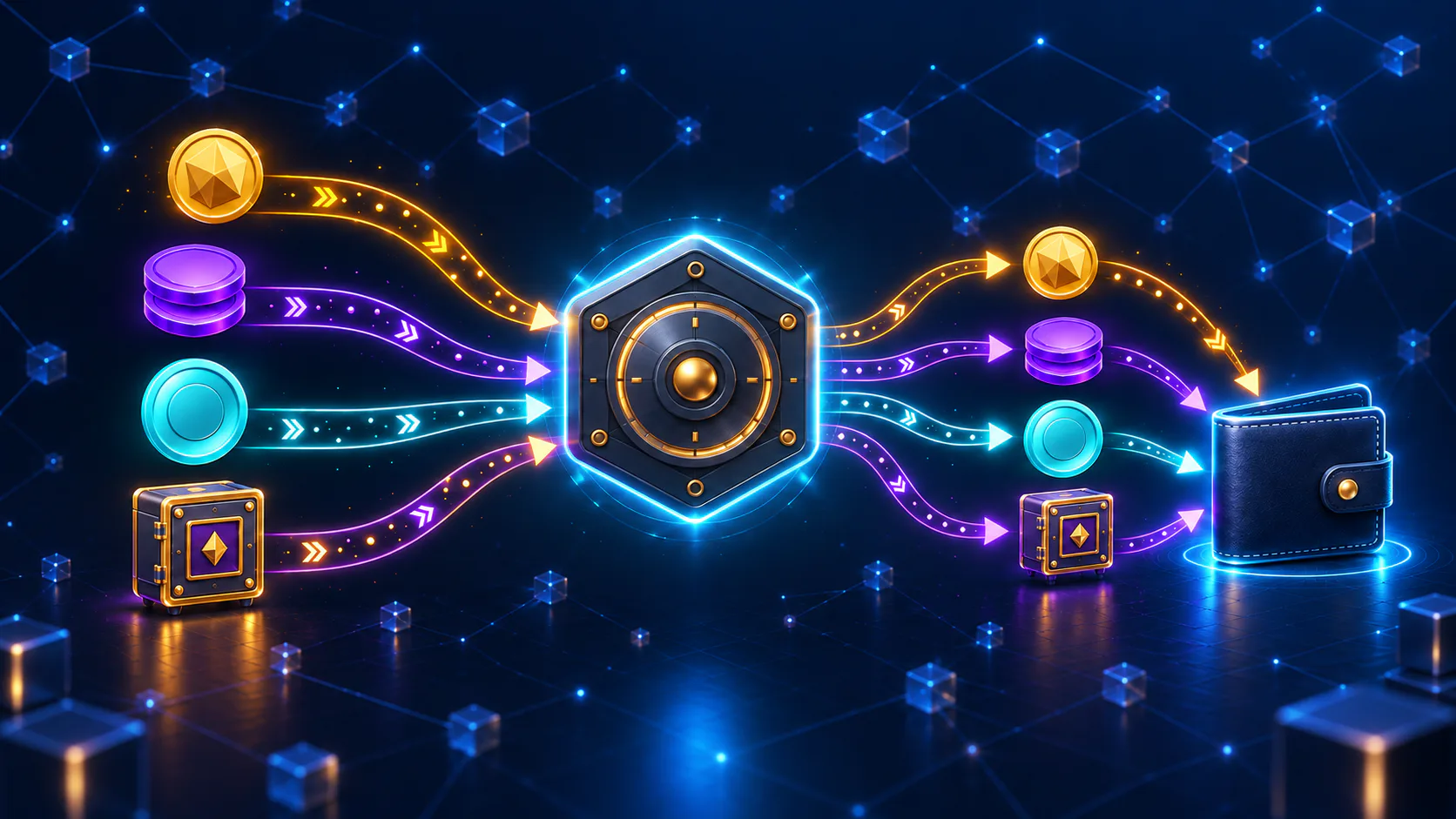
NFTAMA uses different routes for BNB, AMA2, USDT top-ups and NFT safes. BNB deposits use BNB Smart Chain—BSC or BEP-20—and the deposit address assigned to your NFTAMA account. BNB, AMA2 and NFT withdrawals are documented, but their balance requirements, costs and processing paths differ. Match the asset, direction, network and complete destination address before confirming any transaction.
Before you transfer: match the asset, direction and route
For BNB deposits, our Quick Start guide specifies BNB Smart Chain—BSC or BEP-20—and the deposit address assigned to the logged-in account.
Our White Paper documents BNB and AMA2 top-ups and withdrawal functionality for BNB, AMA2 and NFT safes. These routes are not interchangeable: each can have different destination, balance, gas and processing requirements.
The NFTAMA blog also lists a USDT top-up flow. Follow the route, quote and credited-balance description shown in that flow rather than treating it as a standard BNB or AMA2 deposit.
Last verified: 14 October 2026. Before sending an asset, match its direction and the route displayed in your NFTAMA account. Blockchain transactions may be irreversible, and recovery after an incorrect network or address is not guaranteed.
Choose the route that fits your asset
Where no fixed public figure is listed, use the amount, limit, fee and expected receipt shown for the specific transaction in your account. Do not apply a value from one asset or route to another.
A deposit, top-up, internal conversion and withdrawal are different actions. Always start from the relevant asset screen instead of copying an address or network from a previous transaction.
| Transaction | Direction | Route | Destination | Prerequisite | Limits and costs | Processing path |
|---|---|---|---|---|---|---|
| BNB deposit | Into NFTAMA | BNB Smart Chain (BSC/BEP-20) | Address assigned to the NFTAMA account | BNB to send; review any sender charge | Live screen | Sender processing → BSC confirmation → NFTAMA crediting |
| AMA2 top-up | Into NFTAMA | Use the current AMA2 funding route; do not reuse the BNB route | Destination displayed for AMA2 | AMA2 and any network requirement shown | Live screen | Transfer processing → NFTAMA detection → balance update |
| USDT top-up | Into NFTAMA | Network or payment route shown in the USDT flow | Address or checkout destination shown there | Payment amount and quoted conversion terms | Live quote | Provider or blockchain processing → NFTAMA settlement → credited balance |
| BNB withdrawal | Out of NFTAMA | Use the network displayed in the BNB withdrawal screen | Compatible destination accepted by the current flow | Available BNB and displayed charges | Live screen | NFTAMA queue → broadcast → BSC confirmation → destination credit |
| AMA2 withdrawal | Out of NFTAMA | Use the route displayed in the AMA2 withdrawal screen | Compatible destination accepted by the current flow | Available AMA2 plus BNB for gas | Live screen | NFTAMA queue → broadcast → BSC confirmation → destination credit |
| NFT-safe withdrawal | Out of NFTAMA | Use the NFT withdrawal route and contract details displayed | Eligible external address | Eligible safe and any displayed charge | Live screen | NFTAMA NFT queue → broadcast → BSC confirmation → wallet recognition |
Blockchain confirmation is one stage—not the whole timeline
NFTAMA’s published architecture includes internal balances, an internal IN wallet, an external OUT wallet, background processing and separate withdrawal queues for BNB, AMA2 and NFTs. A confirmed BSC transaction and an updated NFTAMA balance are therefore related but separate events. The architecture is described in the NFTAMA White Paper.
Transfer time depends on the asset and route. Sender processing, network confirmation, NFTAMA processing and destination crediting can each affect the result. Use any route-specific status or estimate displayed for the transaction rather than assuming one universal duration or confirmation count.
- Sender approval or processing: your wallet, exchange or payment provider prepares the transaction.
- Blockchain broadcast: an on-chain transaction is submitted to BSC where the selected route uses the blockchain.
- Network confirmation: BSC records and confirms the transaction.
- NFTAMA detection and crediting: NFTAMA recognizes an incoming transaction and updates the relevant internal balance.
- Withdrawal processing: an outgoing request may remain in the applicable NFTAMA queue before broadcast.
- Destination recognition: a wallet indexes the asset, or a receiving service applies its own confirmation and crediting rules.

Deposit BNB using your assigned BSC address
The NFTAMA Quick Start guide specifies BSC/BEP-20 for this funding route and states that BNB sent through another network may not arrive. A similar-looking address is not sufficient evidence that the selected network is correct.
- Sign in to NFTAMA and open the BNB funding option.
- Copy the deposit address assigned to your account. Do not substitute an address from a message, search result or unofficial channel.
- At the sending wallet or service, select BNB Smart Chain, also shown as BSC or BEP-20. Confirm that the sender supports BNB withdrawals through that network.
- Compare the complete destination address with the address displayed by NFTAMA. Review the amount, any minimum, the sending-service charge and the expected credit shown before approval.
- Use a small test transfer only when the current NFTAMA screen permits it and the amount meets any displayed minimum.
- After broadcast, save the TxID and compare its destination and value with the NFTAMA funding details.
Withdrawal requirements depend on the asset
For each withdrawal, review the available balance, destination requirements, current limits, total cost and expected received asset. The NFTAMA White Paper specifically states that an AMA2 withdrawal requires both an AMA2 balance and BNB for gas; it does not list one universal BNB amount for every request.
Do not assume that every centralized-exchange deposit address is suitable. Use one only when the receiving service supports the exact asset and network and the NFTAMA withdrawal flow accepts the destination.
An NFTAMA charge, BSC gas and charges applied by an external provider are separate cost categories. Count only the amounts shown for the selected route and confirmation.
- BNB: review the available balance, destination network, requested amount, charges and expected receipt.
- AMA2: confirm the available AMA2 balance and the BNB required for gas. BNB is the token used to pay BSC transaction fees, as described in the BNB Smart Chain guide.
- NFT safe: confirm the safe’s eligibility, destination and contract details in the withdrawal flow. Review virtual safe mechanics before comparing external withdrawal with holding, selling or transferring a safe inside NFTAMA.
Use the TxID to locate a transfer delay
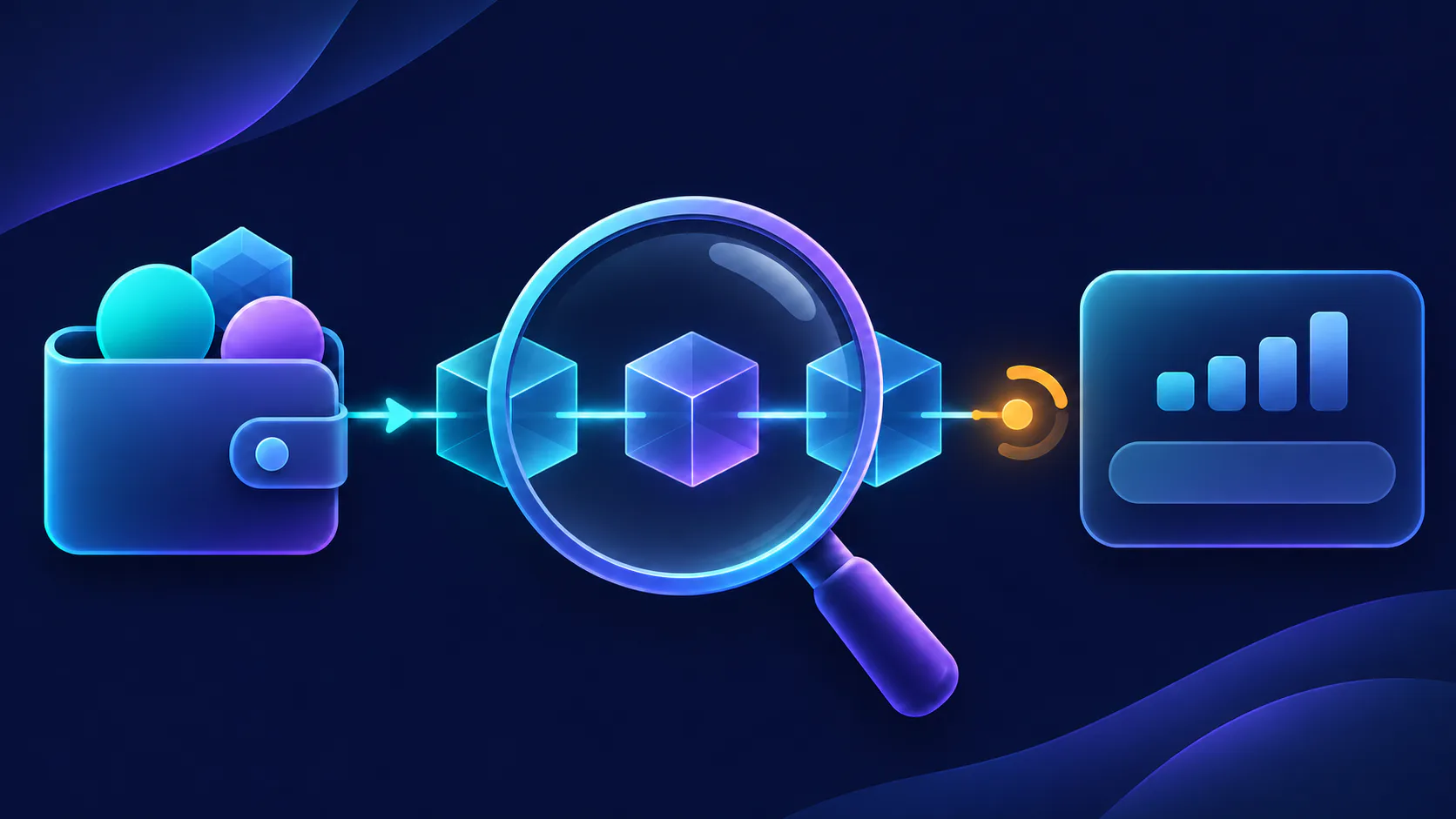
The first useful distinction is whether a withdrawal TxID exists. Without one, begin with the NFTAMA request status. With one, establish what happened on BSC before checking NFTAMA or the receiving service’s crediting stage.
A successful blockchain record confirms the on-chain transaction. It does not by itself show that every associated internal balance or receiving-service account has finished updating.
- No TxID for a withdrawal: check the request status in NFTAMA. It may still be queued or waiting for an account action because an on-chain transaction has not yet been broadcast.
- TxID available: open it in BscScan and check the status, token or NFT contract, sender, destination, value and confirmations.
- Confirmed deposit not visible: compare the asset, BSC/BEP-20 route, assigned deposit address, amount and account history with the on-chain record.
- Outbound transaction confirmed but not credited: check whether the receiving wallet or service supports the asset and network, then review its transaction or deposit history.
- AMA2 withdrawal rejected or unsuccessful: check both the available AMA2 balance and the BNB available for gas.
- When using official NFTAMA support, provide your account identifier, asset, amount, route, timestamp, destination, displayed status, screenshots and TxID when available. Never share a password, private key or seed phrase.
Check these live values before confirming
NFTAMA’s public documentation does not list one set of numeric minimums, maximums, fees, confirmation counts or processing times that applies to every asset and route. Review these fields together before approving the transaction.
- Supported asset, direction and route
- Minimum transaction amount
- Maximum, daily or account-specific limit
- NFTAMA charge, if applicable
- Estimated network gas and external provider charges
- Amount expected to be credited or received
- Complete destination address and selected network
- Any account, maintenance, eligibility or security condition
- Processing status and when a TxID should appear
Use the confirmation screen for the quote and limits presented to your account for that transaction. Do not replace an undisclosed value with an estimate or assume that every route is available under every account condition.
FAQ
What do I need to withdraw AMA2 from NFTAMA?
You need an available AMA2 balance and BNB for gas, according to the NFTAMA White Paper. Check the withdrawal screen for the destination, current limits, charges and required BNB amount because one universal numeric requirement is not listed in the public documentation. Save the request status and TxID when it appears.
Can I send BNB to NFTAMA through a network other than BSC/BEP-20?
For BNB deposits, use BNB Smart Chain, also shown as BSC or BEP-20. The NFTAMA Quick Start guide states that BNB sent through another network may not arrive. Do not select ERC-20, TRC-20 or another network unless it is explicitly offered for that deposit in your NFTAMA account.
Why can a withdrawal remain pending before a TxID appears?
The request may still be in NFTAMA’s processing queue and may not have been broadcast to BSC. NFTAMA’s White Paper documents internal balances, background processing and separate BNB, AMA2 and NFT withdrawal queues. Check the NFTAMA request status first; once a TxID appears, check the blockchain transaction and then the receiving destination.
Is an NFTAMA USDT top-up the same as a direct crypto deposit?
Not necessarily. The NFTAMA blog confirms that a USDT top-up flow exists, but its network or provider, charges, conversion terms and credited balance must be read from the current top-up screen. Do not assume that it works like a direct BNB deposit.
What should I do if I used the wrong network or address?
Do not send another transaction until you have checked the original asset, network, address and TxID. Collect those details and use an official NFTAMA support route, such as the feedback option in the Help Center. Recovery is not guaranteed, and no universal recovery fee or timeframe is published. Never share your password, private key or seed phrase.
A successful NFTAMA transfer begins by matching the asset, direction, network and destination. For a BNB deposit, use BSC/BEP-20 and the address assigned to your NFTAMA account. For AMA2, USDT and NFT-safe movements, use the route and live parameters shown for that asset. If a transfer is delayed, the presence or absence of a TxID indicates whether to start with the NFTAMA request status or the BSC transaction record.
Before sending BNB, open the NFTAMA Quick Start guide to confirm the BSC/BEP-20 procedure and copy the deposit address assigned to your account. Review the current minimum, charges and credited amount in the funding screen before confirming.