The NFTAMA Cabinet Home Page: Where to See Weight, Income and Activity
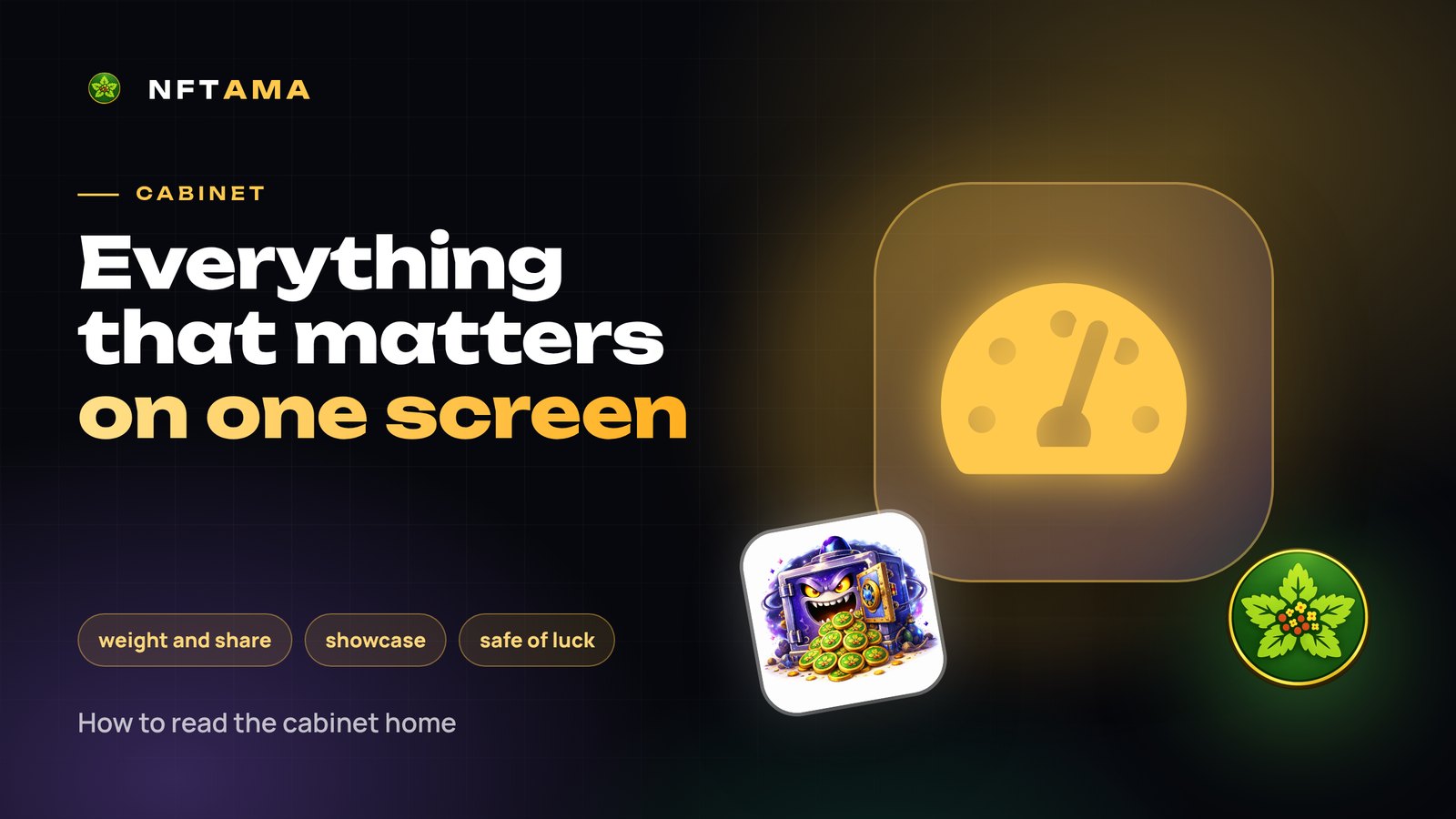
The NFTAMA cabinet home page is your control panel: it shows how your weight grows, what you received in the last day, what is on the showcase and which rewards are waiting. Opening it once a day is enough to miss nothing.
Stat tiles
| Tile | What it shows |
|---|---|
| Your AM weight | The total weight of safes on your internal wallet and the daily gain |
| Total weight | The whole network's weight — your share depends on it |
| Pool share | Your share in the distribution: it is what sets your income |
| Rank | Your place among all players by weight |
| AMA2 balance | How many AMA2 are available for upgrades, mints and purchases |
| Modifier keys | Unused keys; strong ones burn sooner |
The showcase and the readiness panel
The current showcase safe is shown with its life timer, price, weight and benefit per AM. Next to it is a readiness panel: the start weight and price, your AMA2 balance and whether it covers the purchase, plus a link to auto-buy.
The safe of luck
A free attempt once an hour: AMA2, keys, coupons and demo safes. You get 3 to 8 attempts a day: more for buying safes and for your account level.
Further down
- Your safes — a short view of your collection with a link to “My safes”.
- New player safes — who bought what recently.
- What can drop — class odds and weight multipliers.
- AMA2 payouts — the latest accruals.
- Rating and News — the leaders and fresh blog articles.
A daily minute
- Open the safe of luck and apply new keys — their time is limited.
- Check the daily gain and your share: if the share is falling, it is time to add weight.
- Look at the showcase and the readiness panel: is there enough AMA2 and BNB for your rules?
A daily visit counts toward the login streak — keys on days 7, 15 and 30.
Try it for free
Signing up takes a minute: a login, an e-mail and a password, no documents and no wallet. After confirming your e-mail you get a demo safe that starts earning AMA2 right away, and the safe of luck.
Where to start is in the guide: “Getting started”.